
Tattoo Font Generator
Type your quote or name below and watch it instantly transform across 55+ unique tattoo font styles. Adjust the size, find the perfect typography, and save your favorite design instantly.
Loading 55+ Premium Fonts…
How to Use This Tool
- Enter Your Text: Type the quote, name, or phrase you want tattooed into the top input box.
- Adjust the Size: Use the slider to increase or decrease the font size so you can see the intricate details of each script.
- Compare Side-by-Side: Scroll through the grid to instantly compare over 55 styles, from fine-line calligraphy to bold traditional gothic lettering.
- Save Your Idea: Click the image icon on any font card to open a high-resolution preview. From there, you can download it directly or right-click/long-press to save it to your device!
Choosing the Right Font for Your Placement
- Flat, Wide Areas (Chest, Upper Back, Thighs): Bold and elaborate scripts such as Gothic or Chicano lettering work beautifully because the canvas allows for larger, intricate details to breathe.
- Curved or Narrow Areas (Wrists, Forearms, Ribs, Collarbones): Minimalist typewriter fonts or delicate fine-line cursive tend to flow much better along the body’s natural contours.
- Consider the Anatomy: Keep the natural curves of your body in mind when browsing the grid above, and imagine how the lettering will stretch or wrap around your muscles and bones.
Tips for Tattoo Text Longevity
- “Bold will hold, but fine lines take time”: Over the years, ink naturally spreads slightly under the skin as your body ages and regenerates cells. Proper scaling is crucial for lasting legibility.
- Scale Up Intricate Scripts: If you choose a highly detailed calligraphy font with tight loops (like “e”, “o”, or “a”), your tattoo artist will need to size it up to prevent those negative spaces from closing in over time.
- Best Fonts for Small Tattoos: If you want a very small or subtle tattoo, opt for clean, highly spaced fonts like sans-serif or typewriter styles, which naturally resist blurring.
- Trust Your Artist: Always listen to your artist’s advice regarding the minimum size required for your chosen font style!
Frequently Asked Questions
How do I save the font styling for my artist?
Simply click the small image icon located at the top right of any font card. A popup will appear showing your design on a clear background. You can either click the “Download Image” button, or just right-click (or long-press on mobile) to save it straight to your camera roll.
Will my tattoo artist copy the font exactly?
Most tattoo artists will use your generated image as a strong reference, but they may need to tweak the spacing (kerning), line thickness, or flourishes so it flows naturally with your body’s curves and heals well over time.
What font style is best for a text tattoo?
It completely depends on your vibe! Fine line scripts are incredibly popular right now for delicate aesthetics, while traditional Gothic fonts offer bold, timeless impact. Clean typewriters are excellent for small, highly legible quotes.
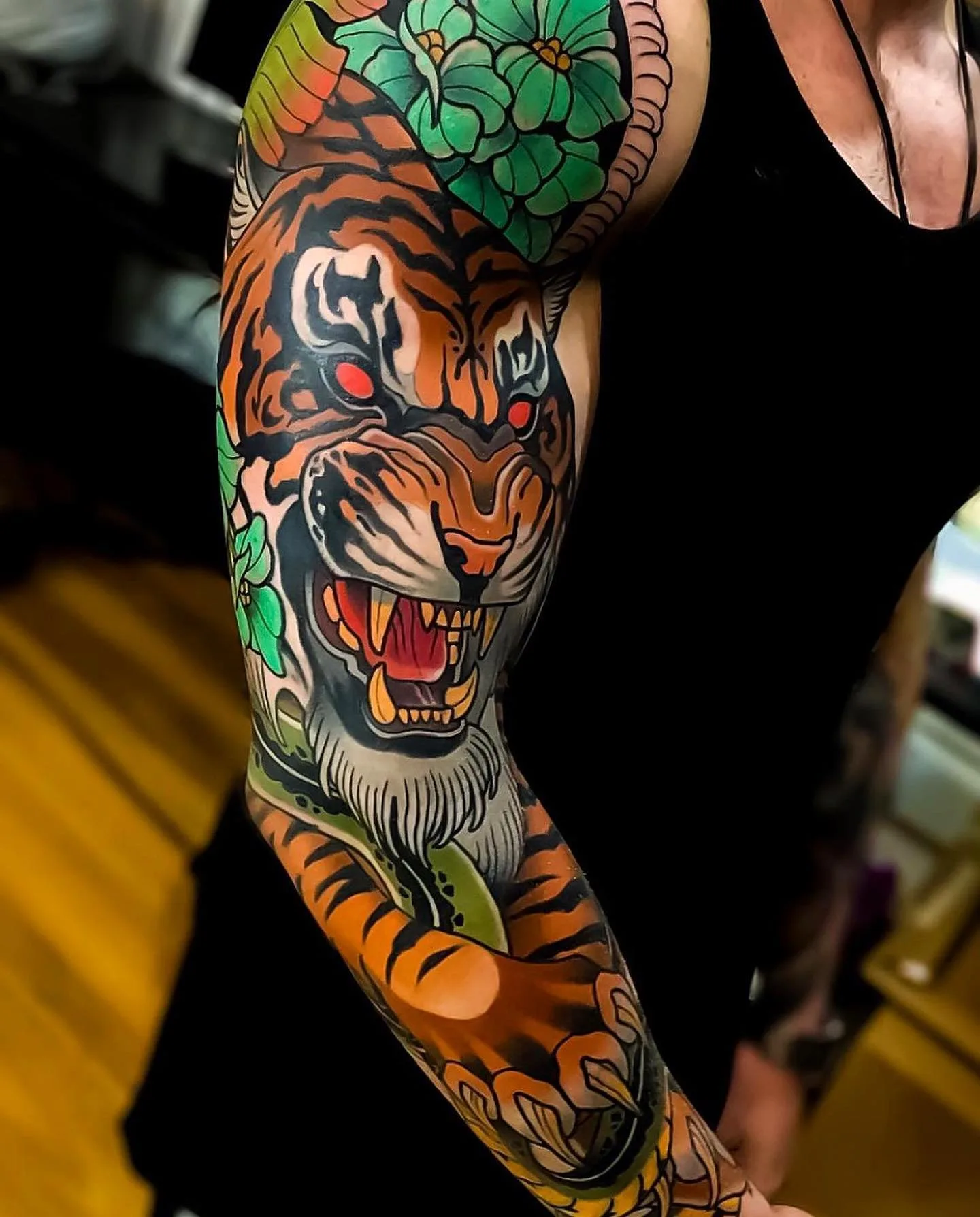
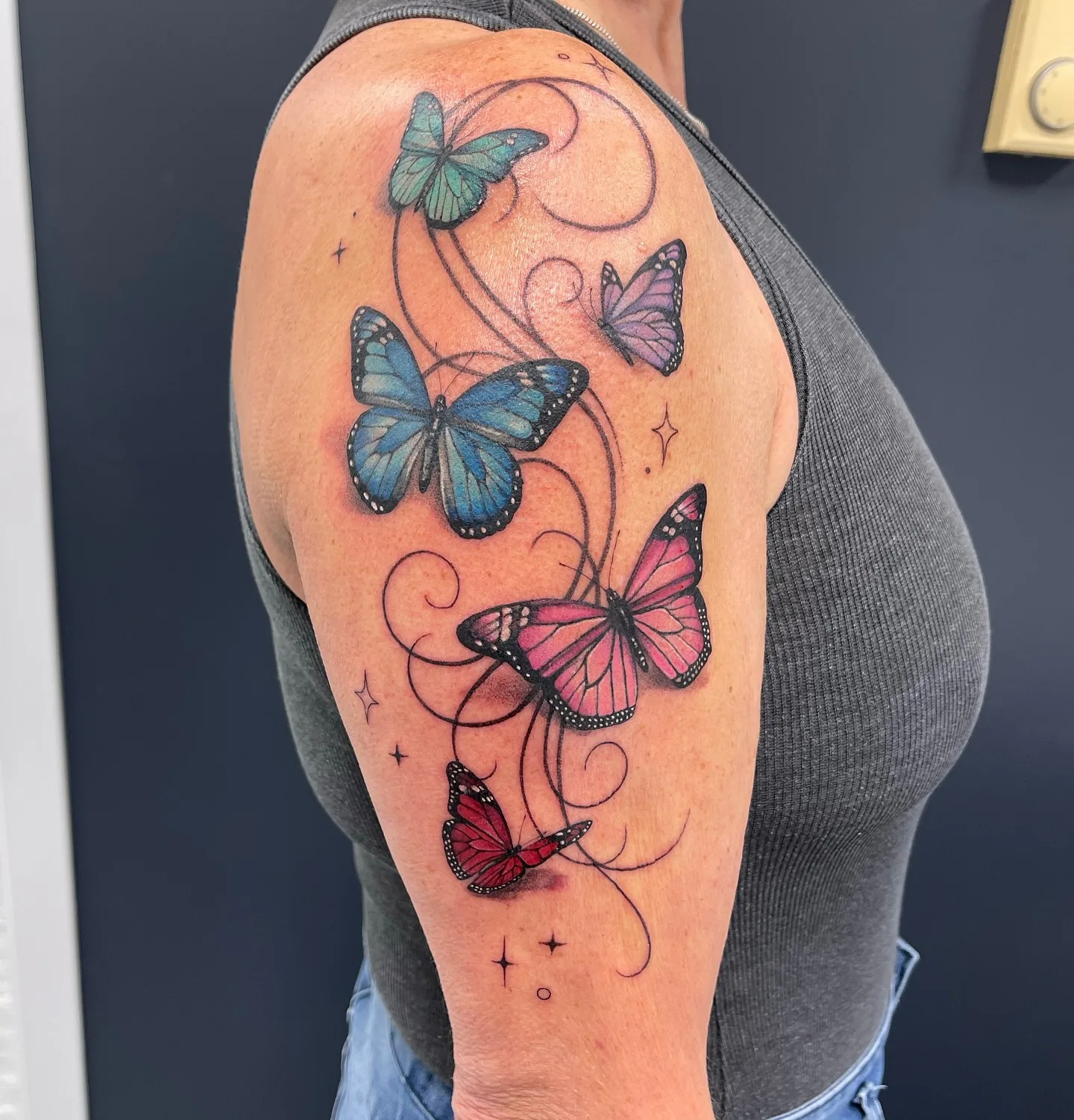
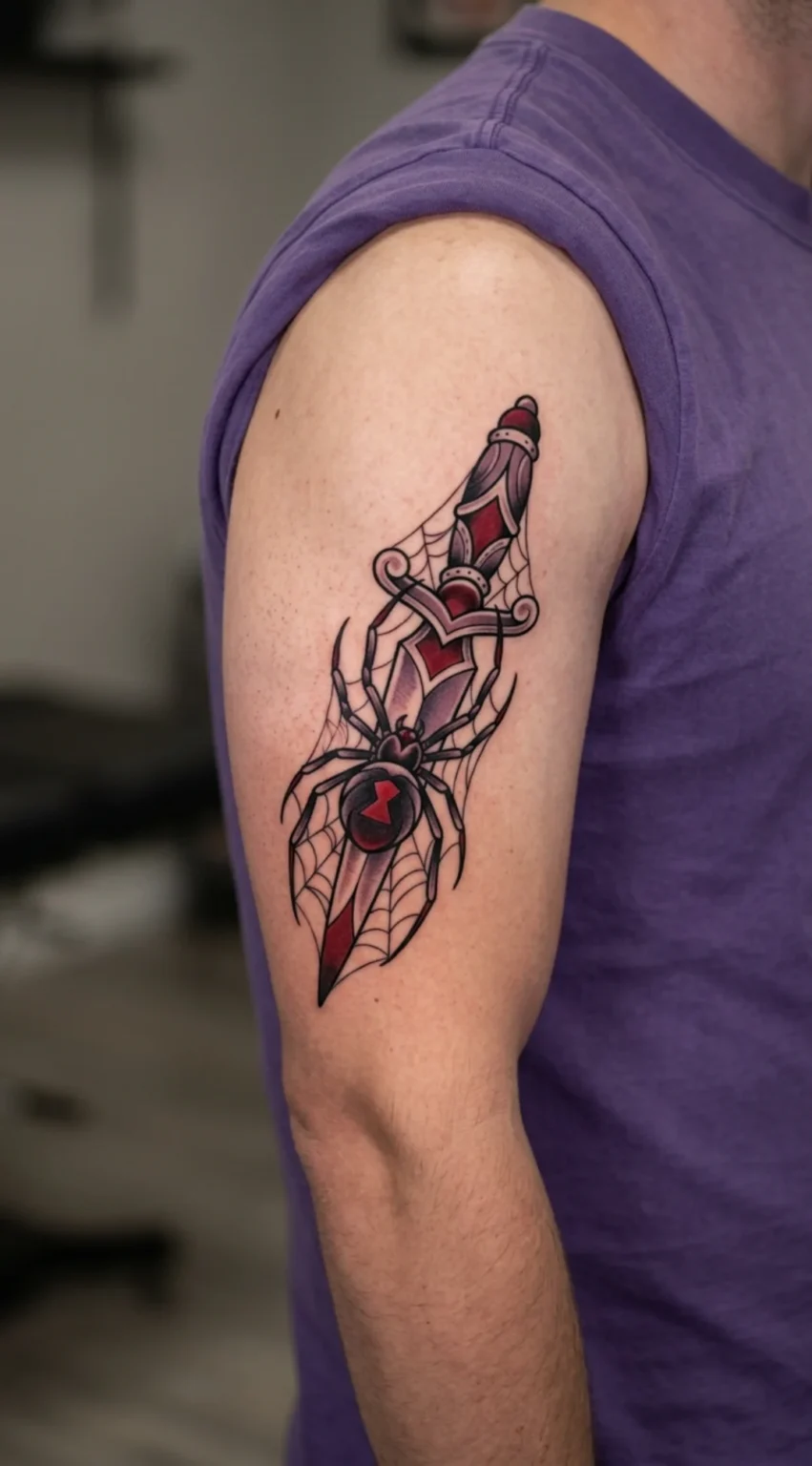
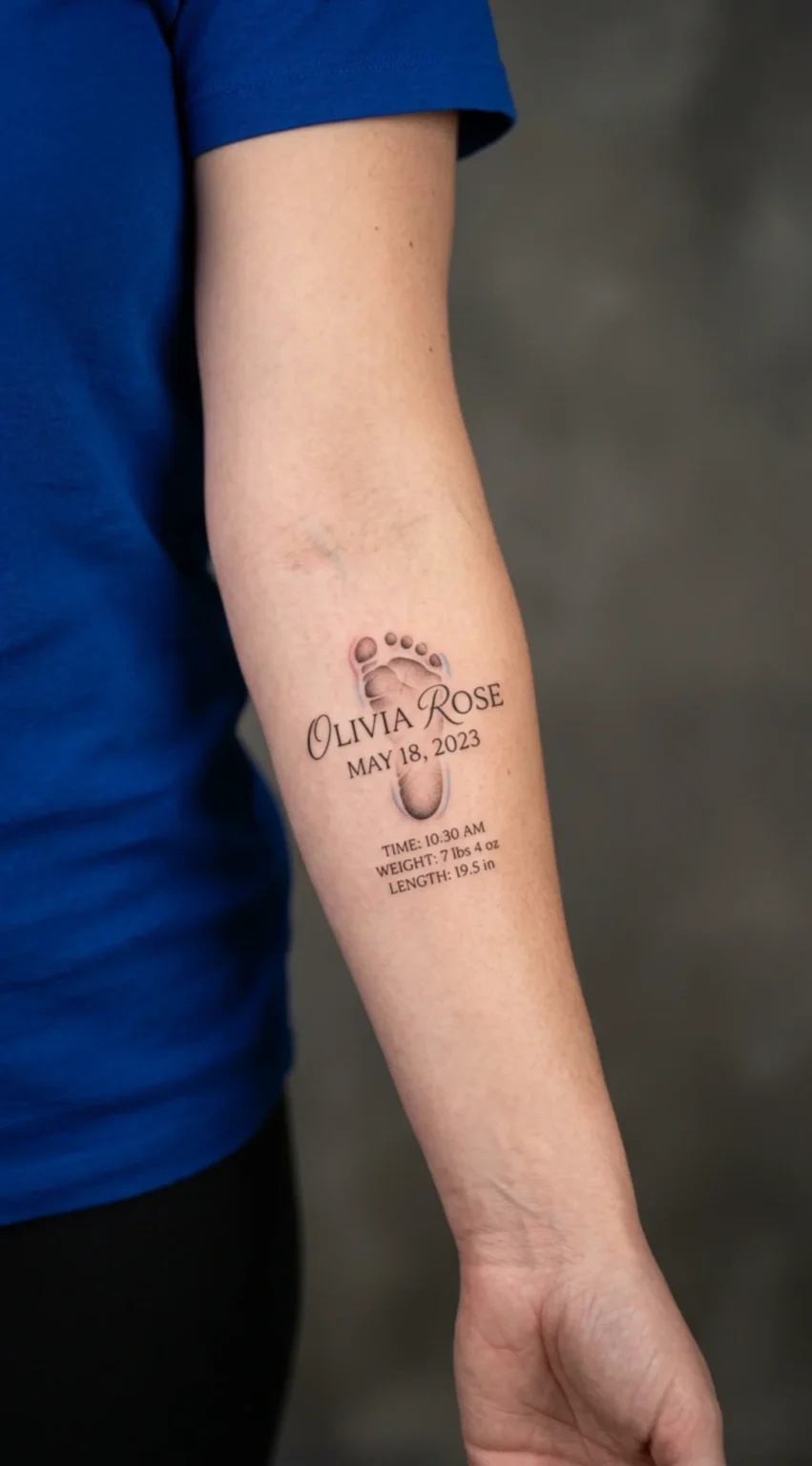
Don’t Forget to Checkout our Tattoo Designs:
Save Your Tattoo Design
Long-press or right-click the image below to save it, or use the download button.